For YouTube creators
Thumbnails that get the click, built layer by layer.
Drewvy is a layer-by-layer thumbnail editor. Background, subject, elements and text stay separate, so you can redo one part without losing the rest. Seven image tools are free and need no account. Your photos never touch a Drewvy server.
The five AI tools need a Google sign-in and your own Gemini key — free to create, and Google meters what you use. You get two free generations in each of them before a one-time $5+ license unlocks the rest. Here is why.
How one thumbnail gets built
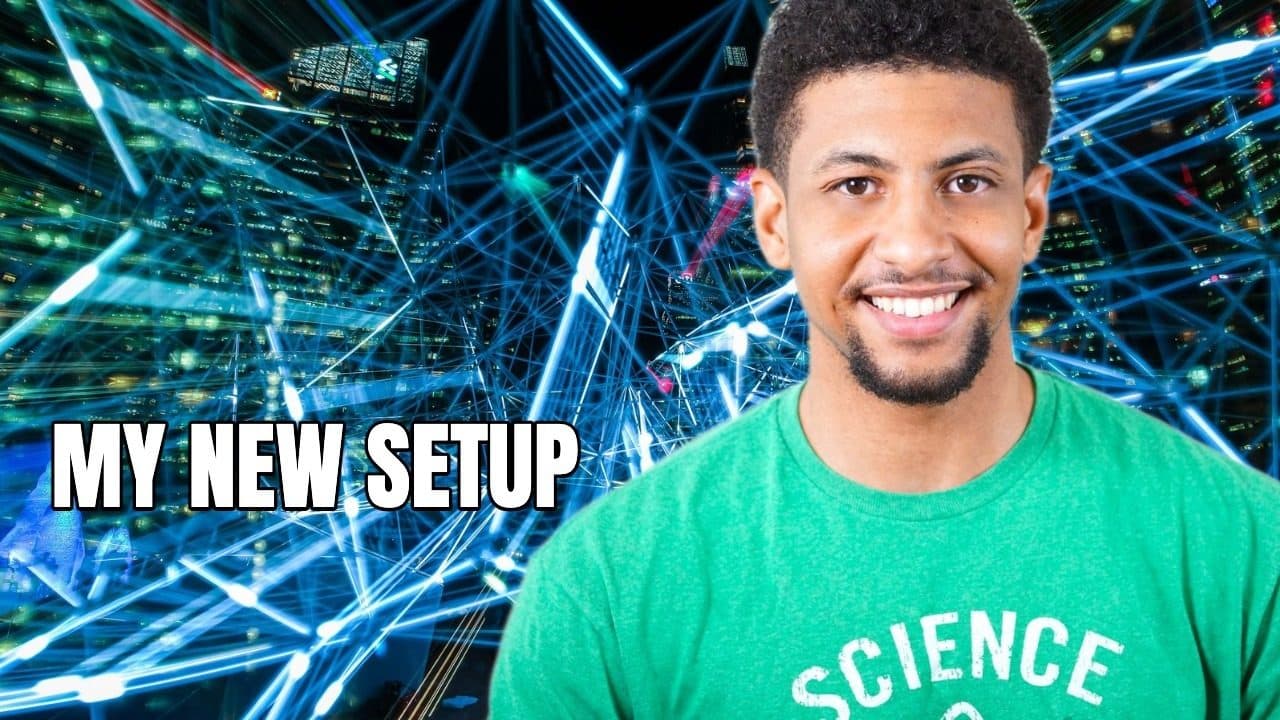
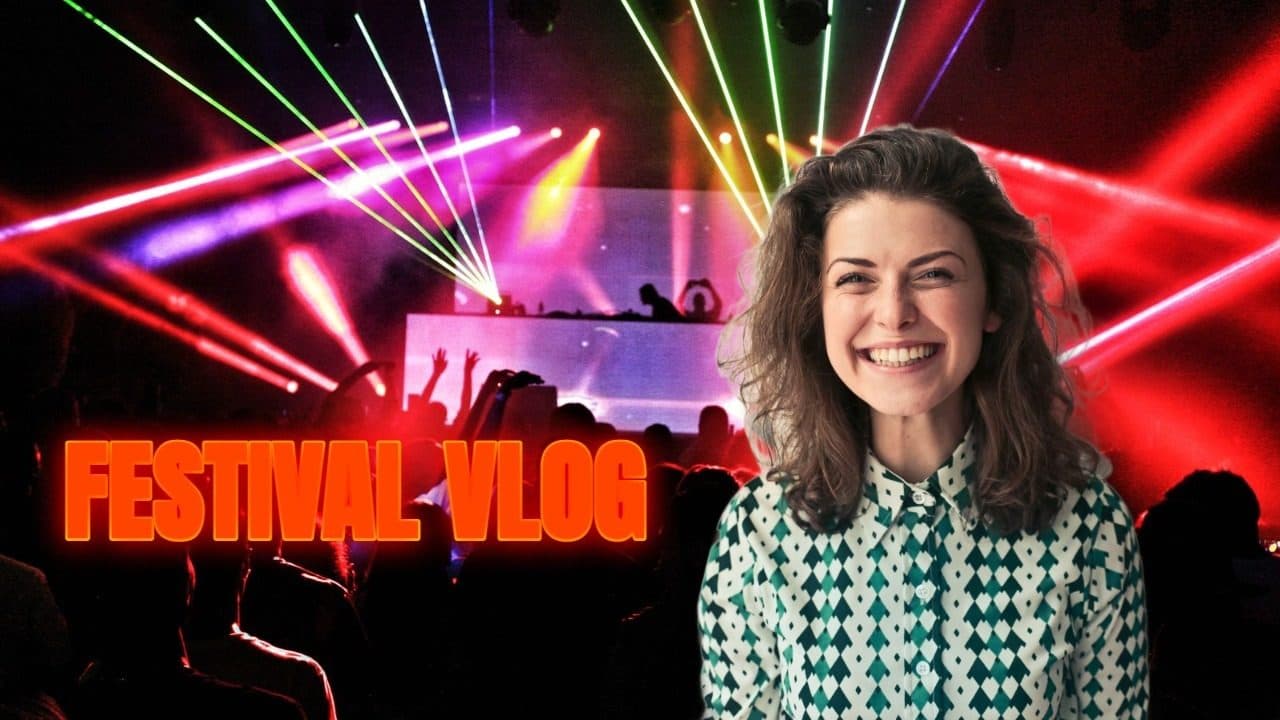
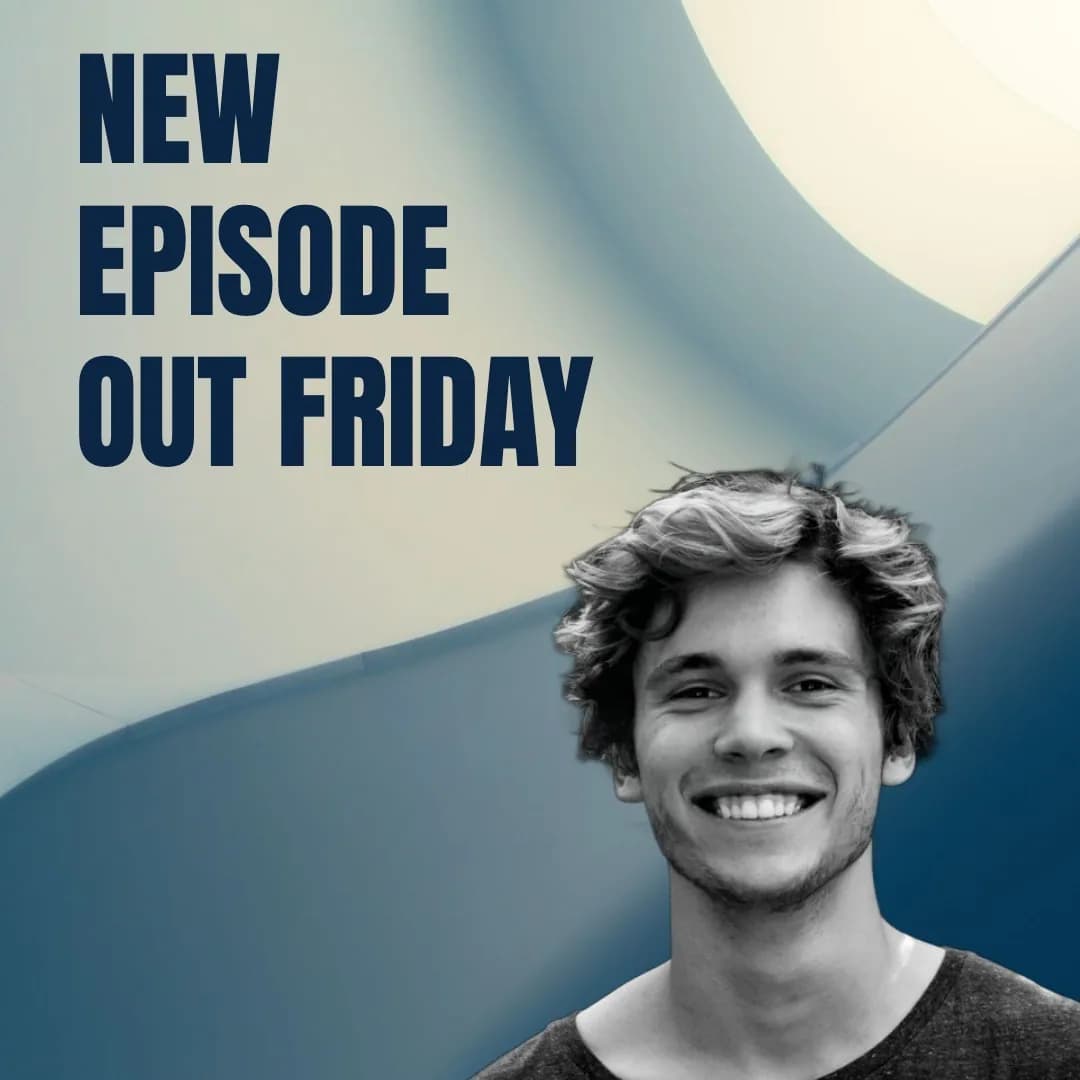
Four layers, generated one at a time and composed on the canvas you pick — 1280 × 720 by default — in your browser. Redo any one of them without touching the other three.
- Background
Describe one, restyle an upload, or drop in an image you already have.
- Subject
Your photo, cut out in the browser. Change the pose or the outfit; your own photo is the identity reference every time.
- Elements
Arrows, badges, props — generated or uploaded, each one its own object you can move.
- Text
Drawn straight onto the canvas at full resolution, so it stays sharp at 1280 × 720.
Then compose, and download JPG, PNG or WebP at the canvas's real pixel size. Every picture on this page is drawn in the browser as an illustration — there are no stock mockups here, and no testimonials, because there are none to show yet.
Five tools, driven from your browser on your own key
These five need a Google sign-in and your own Google key. Each gives you two free generations; after that a one-time $5+ license unlocks them for good. The seven free tools are the next section.
Keep the parts that work, redo the rest.
Background, subject, elements and text are four separate layers, each one moved, scaled and regenerated on its own, on any canvas from YouTube HD to 4K, square or vertical, exported as JPG, PNG or WebP.
Copy the look, keep your own face.
Paste a YouTube link or upload a thumbnail you like, and Drewvy rebuilds that scene at 16:9 with your own face cropped from your own photo.
Give one video three covers.
Pick an image and get up to three rearranged versions of it — alternates to try, not click predictions, because the testing is still yours to do on YouTube.
New background, same you.
The default mode cuts you out on your own machine and only replaces what is behind you; the AI mode repaints the whole frame, objects and text included, and says so before you use it.
One selfie, every platform size.
Styles from professional to anime, previewed round or square, downloaded at the exact size each platform wants.
Also in the editor: clothes fusion from an outfit photo, pose changes and eight one-click background styles — AI calls that go from your browser to Google on your key. Saved subject presets, frames, the composition grid and saved projects never leave your device.
Not built yet, and labelled that way: presentation graphics, web content assets, brand kits, batch generation.
All five tools need an account: Sign in — 2 free generations each. Why it costs anything at all
Seven image tools, free, no account
These need no sign-in, no license and no API key. Six of them run entirely on your machine; the seventh just fetches a YouTube thumbnail from its link. No watermark, and no cap on how many images you run.
- Background RemoverCut a person out, get a transparent PNG at full resolution.
- Green Screen RemoverGreen or magenta screens, removed on the canvas.
- Image ConverterPNG, JPEG or WebP, with a quality slider.
- Image CompressorSmaller file, a size cap, and the right format picked for you.
- Image Resizer & CropperYouTube 16:9, square, portrait, story, pin, banner.
- Rotate & Flip ImageTurn by 90 degrees, or mirror.
- YouTube Thumbnail DownloaderGrab any video's thumbnail from its link.
No sign-in, no key, no payment. Free Image Tools open straight away.
Open the free tools
Six of these never send anything anywhere. The seventh sends a YouTube video id to fetch that thumbnail, because YouTube blocks the browser from doing it. Background removal downloads its model the first time you use it — the tool reports about 90 MB — and then keeps it cached.
Where your images actually go
Drewvy has no image server. There is no upload endpoint and no image anywhere in the database. That is not a policy, it is how it is built.
What stays on your machine (4 things)
Your photos, cutouts, subject presets, projects and finished thumbnails live in your browser's own storage. Open your browser's developer tools and you can see them under these names; the subject store still carries the name it shipped with.
drewvy-gallerydrewvy-projectsdrewvy-charactersYour Gemini key lives in your browser and is sent only to Google.
localStorageBackground removal, green screen, cropping, resizing, compressing, text and the final composition all run on your device.
In Background Swap's default mode the cutout of you is composed locally, so your own pixels are never repainted and never uploaded.
What stays on your machine
Your photos, cutouts, subject presets, projects and finished thumbnails live in your browser's own storage. Open your browser's developer tools and you can see them under these names; the subject store still carries the name it shipped with.
drewvy-gallerydrewvy-projectsdrewvy-charactersYour Gemini key lives in your browser and is sent only to Google.
localStorageBackground removal, green screen, cropping, resizing, compressing, text and the final composition all run on your device.
In Background Swap's default mode the cutout of you is composed locally, so your own pixels are never repainted and never uploaded.
Everything that leaves, said plainly
When you use an AI tool, your browser sends that image straight to Google's Gemini API with your key. It goes to Google, not to Drewvy.
When you paste a YouTube link, Drewvy's server fetches that thumbnail, because YouTube blocks the browser. Only the video id crosses the network — none of your images are involved.
Signing in shares your Google identity. The database keeps your name, email, avatar URL, your license key, a count of the free generations you have used in each AI tool, and one short-lived row per generation so a failed one can be refunded. No prompts and no images.
Your session row stores the IP address and browser string it was created from, and the account row stores the OAuth tokens Google issues.
Paying goes through Polar, which receives your email and your payment details. Drewvy never sees your card.
Every page loads an Umami analytics script, which counts page views.
That is the complete list. If a claim is not on it, I am not making it.
Drewvy is one person and no image server
Drewvy is built by one person.
It stays this cheap because it barely costs anything to run. Your own computer does the image work. The AI calls go from your browser straight to Google on your key. There is no image server here. Nothing of yours to store, and nothing for me to pay per image. What your money covers is the building, not the compute.
Pay what you think it is worth. The minimum is $5.
$5
The floor
It unlocks exactly what $50 unlocks.
$15
Suggested
A fair number if a tool here saves you an evening.
$50
More than I ask for
More than the tool costs to keep going — and the reason I can keep spending weekends on it.
$15 and $50 are suggestions, not tiers. The checkout takes any amount from $5 up.
What you get
- A license key on your account. One payment, no subscription, no recurring charge.
- It lifts the two-free-generations limit on all five AI tools: Editor, Inspire, Thumbnail Variants, Background Swap and Profile Picture.
- No credits and no per-image charge from Drewvy. Generations run on your own Google key.
- The key does not expire. It is re-checked with Polar about once an hour, so a refunded or revoked key stops working — nothing else about it is ever inspected.
- Higher amounts unlock nothing extra — there is no premium tier.
Next step is a Google sign-in, then the Polar checkout.
One-time payment. No subscription, no recurring charge. Payment is handled by Polar, and Drewvy never sees your card.
Two steps to try it, and a third only if you liked it
The first two are account setup and I would rather say so than let you find out after you click. Paying is the last step, not the first — you will have used the thing by then.
Sign in with Google.
Account step. It holds your two free generations per tool — and, later, your license key.
Paste your free Gemini key.
One Google page, a few minutes, no card — after that Google meters what you use, on its own pricing. Now the two free generations in every tool are yours to spend.
Get a key at aistudio.google.com/apikey (opens in a new tab)Liked it? Pay what you want, $5 or more.
Polar sends you back to /activate, where the key activates itself — the page waits for it and unlocks on its own. If something goes wrong you can paste the key there, and it also stays in your Polar account.
I would rather ask you once than bill you every month. I do not intend to add a tier above this one.
Your key stays in your Polar account, so you can get it back at any time. Both license screens link straight to it.
Not ready to pay? Every AI tool gives you two free generations first, and the seven Free Image Tools need no account at all — no limit, no watermark, not a trial. I would rather you use them and never pay than feel tricked into a license you did not need.
Questions before you pay
Is my face uploaded anywhere?
Not to Drewvy. There is no image server and no image in the database. The free tools work entirely on your machine. When you use an AI tool, your browser sends the image straight to Google with your key, so it reaches Google and nobody else. In Background Swap's default mode, even Google never sees the cutout of you.
Why do I need my own Google key at all?
Because the alternative is me running a server that holds your photos and reselling you credits with a markup on top. Your key removes both. I count your first two free generations per tool and nothing else — there are no credits to buy, no markup, and your usage stays yours.
Get a key at aistudio.google.com/apikey (opens in a new tab)
Do I have to pay Google?
Creating an AI Studio key is free and takes no card. After that Google meters what you use against your own account under Google's current pricing, which is Google's to set and change, not mine. I never bill for generations and I do not sell credits.
What if I do not like what it makes?
Generate again. Before you have a license each tool gives you two free generations; once you have one, Drewvy puts no limit on regenerations and never charges per image. A generation that fails, or that Google's safety filter refuses, is not counted against your free two. In the Editor you redo one layer at a time, so a bad background never costs you the face and the text you already liked. Expect the safety filter to refuse a prompt now and then, usually when a brand or a real person's name is in it — rephrasing usually clears it.
Does it work on my phone?
The free tools are built to work on a phone. Profile Picture mostly does too. The Editor wants a big screen: four layers, a canvas and a properties panel do not enjoy 360 pixels. Background removal downloads its model on first use, so start that on wifi.
What do I actually get for $5?
One license key on your account that removes the two-generation limit on Editor, Inspire, Thumbnail Variants, Background Swap and Profile Picture. One payment, no subscription, no renewal. The seven free tools stay free whether you pay or not.
Can I try the AI tools before paying?
Yes. Sign in, add your Gemini key, and every AI tool gives you two free generations — counted per tool, so trying the Editor does not use up your look at Background Swap. A generation that fails or gets refused by Google's safety filter is not counted. When a tool runs out, that is when you are asked to pay.
Is there a way to use Drewvy without paying at all?
Yes. The seven Free Image Tools need no account, no key and no payment, with no watermark and no cap — those are not a trial and never expire. On top of that you get two free generations in each AI tool.
How long does one generation take?
Each one is a single call from your browser to Google. Drewvy waits up to two minutes and then lets you retry, and it retries rate limits and server errors for you.
Use the free tools for as long as you like. Support it when it has earned it.